Android Auto fixes the wide screen problem
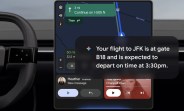
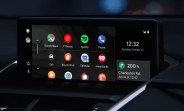
With the quiet rollout of Android Auto 18.2.664604-release, Google is finally making the large, horizontal touchscreens invading our dashboards genuinely usable. The update is part of a slow transition to the Material 3 design language. For anyone running a car with a wide aspect ratio main screen, this update trades the old top-mounted navigation bar for a vertical list anchored to the side of the screen.
Instead of the awkward reach to the upper right corner to hit the "Library" or "Browse" buttons in Spotify, those options now sit in a tidy column. The update kills the useless dead zones that used to sit between album art and the screen bezels. We finally get a big, dedicated now-playing bar with visible album art and playback controls right where you need them.
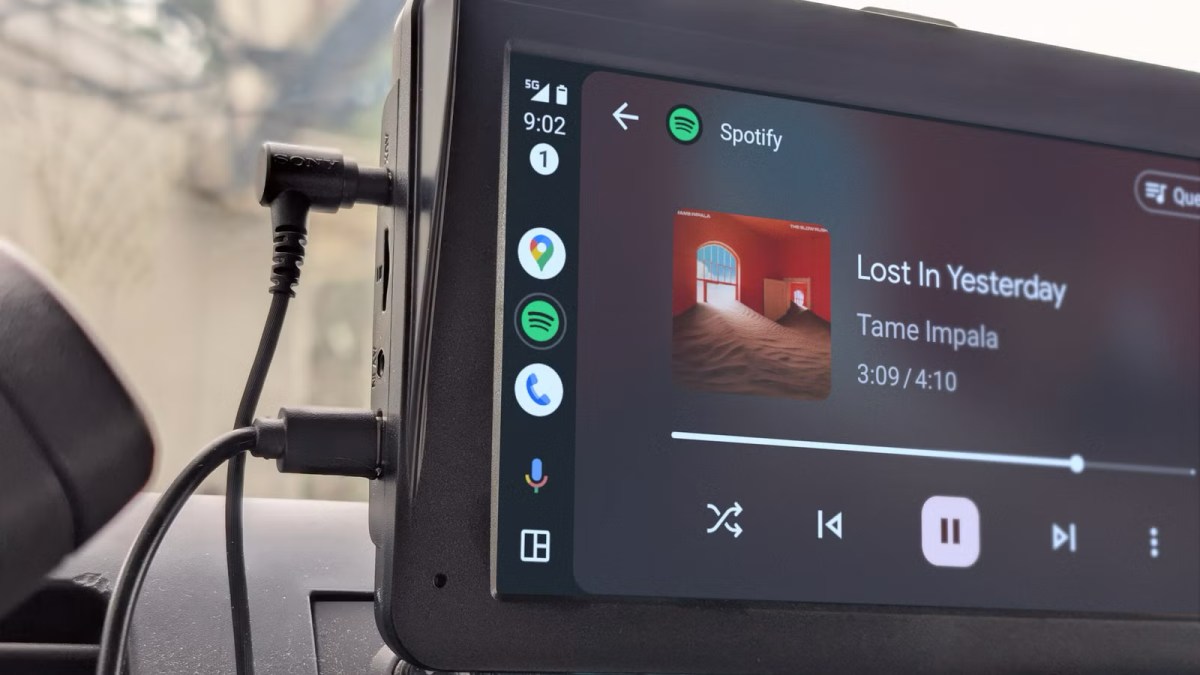
This matters more than you might think when you look at how dashboard geometry has changed in recent years. Automakers have been fighting for screen real estate, bolting big rectangular tablets to the center console to justify rising prices. And as usual, software hasn't always kept up with the hardware. Spend an hour driving a modern EV, and you’ll understand the frustration of jabbing at a tiny icon suspended in a sea of wasted pixels while trying to keep an eye on the road. The side-mounted layout changes that interaction entirely. You don't have to lean forward and extend your shoulder just to pause a podcast. The touch targets are larger, denser, and anchored closer to the driver's natural line of sight.
So far, the changes are showing up reliably across Spotify, YouTube Music, Amazon Music, and the native dialer app.
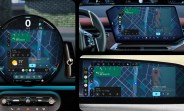
Look at the cars pushing these wide displays, like the Honda e Advance and its panoramic wall of glass. The Honda uses an ultra-wide screen setup spanning the entire dashboard, whereas the new Mini Cooper has a circular central binnacle. When you plug your phone into the Honda, the old Android Auto layout stretched horizontally until it looked completely ridiculous. The new side-anchored interface gives these extreme ultra-wide aspect ratios a sense of proportion, making the Honda's cabin feel cohesive rather than looking like a zoomed-in smartphone.
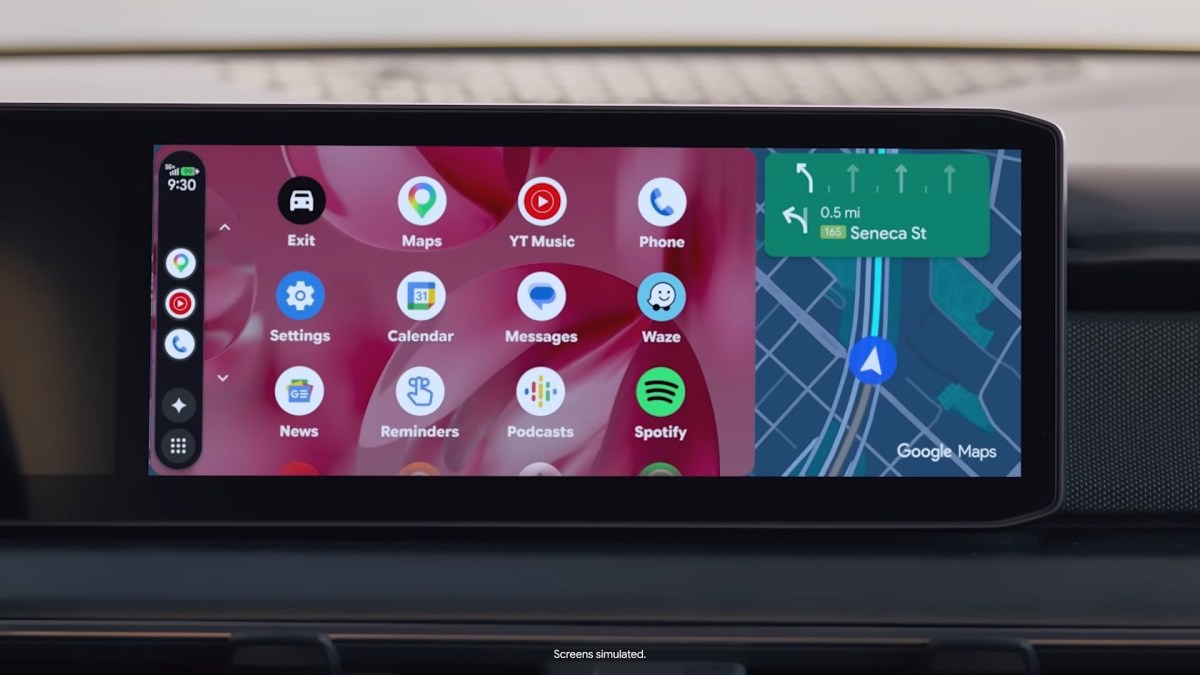
Unfortunately, there's a catch for those of us living with the steering wheel on the other side. In the UK, we drive on the left and sit on the right. If Google forces this new left-hand vertical menu globally without a toggle, it completely defeats the purpose for right-hand drive markets. Having a neat column of icons parked firmly on the left side of the central display means a British or Australian driver has to reach even further across the cabin to hit them. It transforms a software improvement into a downgrade.
Google usually includes a driving-side orientation toggle in the settings menu, so we have to hope that switch reliably flips this new layout. The update lands as legacy automakers are fighting a losing battle against phone mirroring. Brands like General Motors are trying to freeze out Android Auto entirely in favor of their own native software environments. They want the subscription revenue and the data, but updates like this show exactly why buyers refuse to let go of phone projection. Google can push an over-the-air update that improves the layout of four different media apps overnight. Legacy brands don’t know how to update a native navigation map without a dealership visit.
I knew something like this was coming after the teasers from Google I/O earlier this year. The company promised a much more flexible UI that could adapt to the bizarre geometries automakers are experimenting with - everything from tall portrait screens like in a Mustang Mach-E to the cinema-style horizontal slabs in a Hyundai Ioniq 5. We're seeing widgets expand, and app support grow, but the foundation relies on the interface looking native to the hardware. The older top-bar navigation simply couldn't stretch or compress gracefully. By anchoring the primary navigation to a vertical column, Android Auto can let the main content window expand infinitely to the right, filling whatever weird bezel shape a car designer dreamt up.
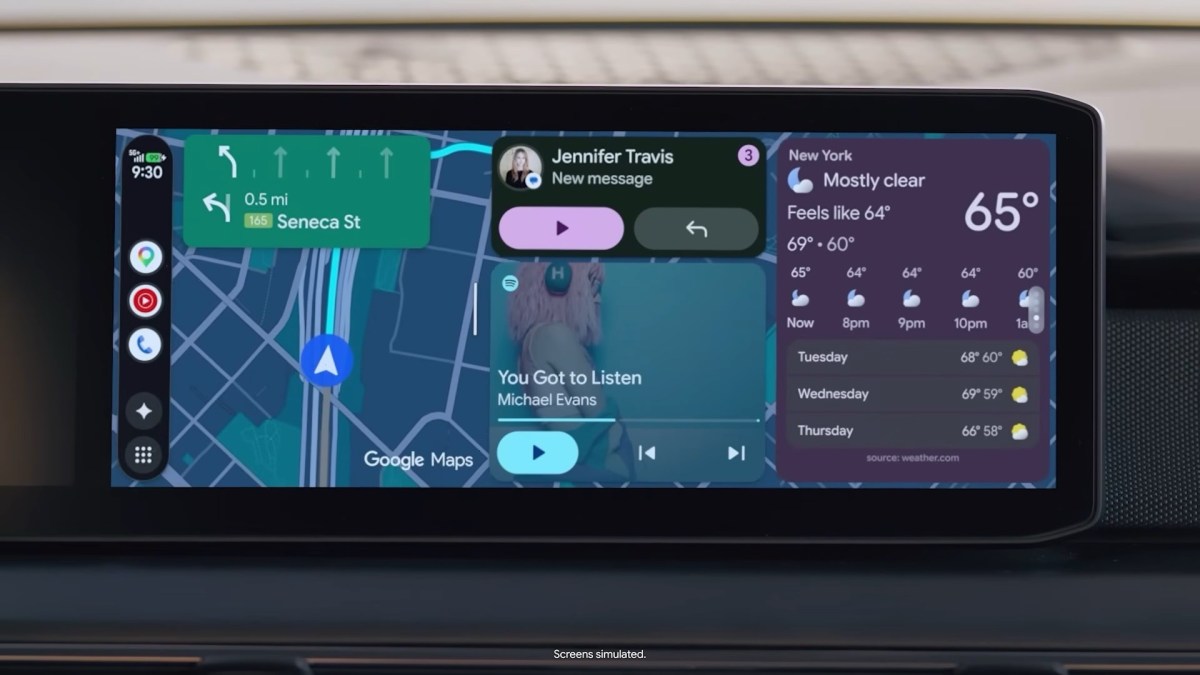
In the end, it’s all about safety. Every fraction of a second you spend hunting for a tiny digital button is a moment you aren't looking at the car braking in front of you. A large, side-anchored touch target needs less focus to hit. You can glance, extend a finger, and register the input through peripheral vision. The addition of the larger playback controls under the navigation tree means you don't have to swap menus just to skip a terrible song. It's a boring improvement, which is exactly what automotive software should be. Nobody wants an interface overhaul - we just want the music to pause when we press the button.
Right now, Android Auto 18.2 is in a phased rollout. You might plug your phone in tomorrow and see the new sidebars, or you might be stuck with the old top-mounted icons for another few weeks. If you lack the patience for server-side updates, the APK is already floating around the usual repository sites for manual sideloading. Just be prepared for a slightly jarring transition the first time Spotify boots up.

From the team behind
GSMArena.com
Facebook
Twitter
Instagram
RSS
Settings
Log in I forgot my password Sign up